
SimpleVoice Mobile is an iOS and Android application that will allow you to use your SimpleVoice service anytime, anywhere, from any iOS or Android device. The following instructions will allow you to configure the SimpleVoice Mobile application on your iOS or Android device.
Apple App Store

- Option 1: Scan the QR code or click here
- Option 2: From the App Store search for the app named SimpleVoice Mobile by SquarePlanIT LLC.
Google Play Store
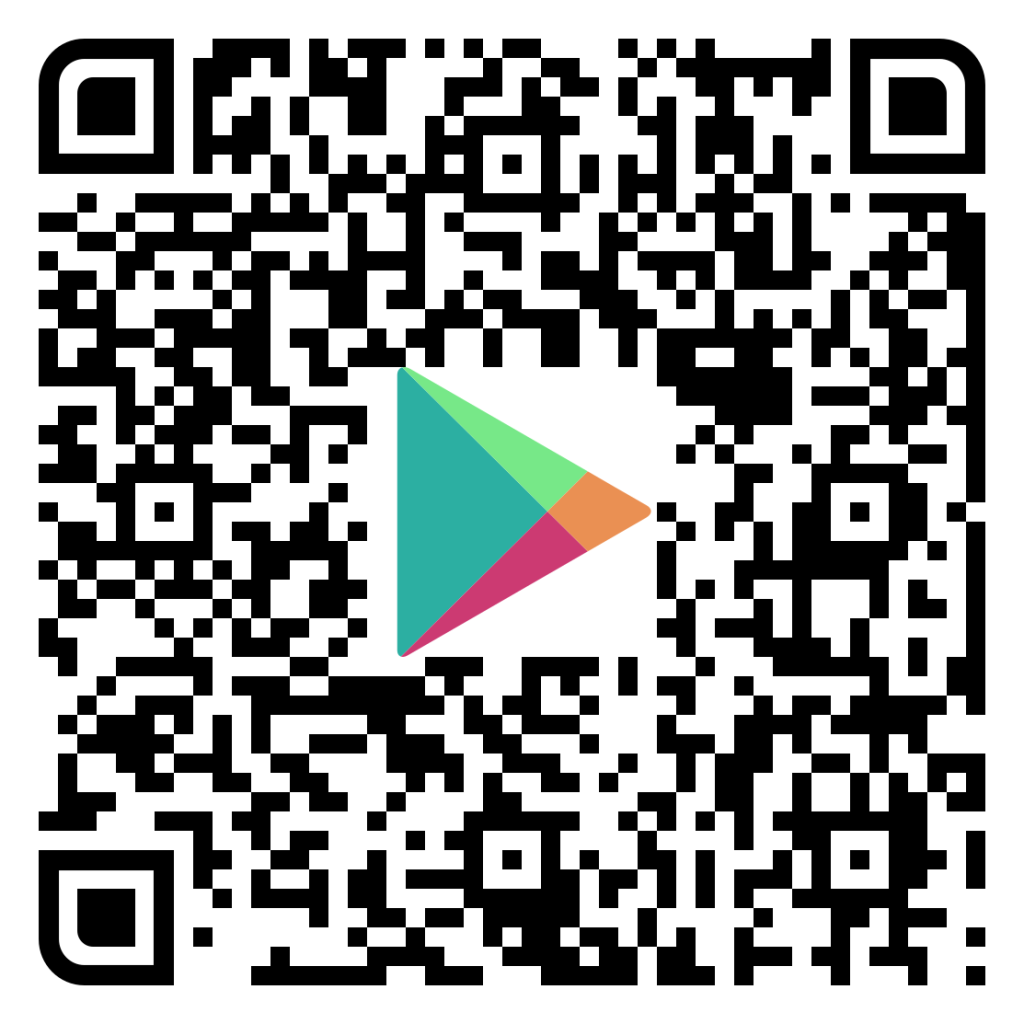
- Option 1: Use the QR code or click here
- Option 2: From the Google Play Store search for the app named SimpleVoice Mobile by SquarePlanIT LLC.
Application Permissions
You will be prompted for application permissions once you launch the app. You must accept these permissions for the app to function correctly. If you do not make the corresponding selections below then you can go back to your phone’s settings app and enable them.